

Intelligent AI Face Analytics
Redefining Identity. Securing Access. Scaling Intelligence.
Multiply Intelligence with AI
Obzerve Face Flow transforms identity verification and surveillance into intelligent, secure, and privacy-aware systems.
From contactless access control and attendance tracking to watchlist alerting and multi-camera monitoring, Face Flow brings AI-powered facial intelligence to existing IP camera environments.
Face Flow is built around two core capabilities:
- Face IT — AI-powered face-based access control, identity verification, attendance, and access management.
- Face OFF — Large-scale facial surveillance intelligence for watchlists, person-of-interest detection, multi-camera monitoring, and crowd analytics.
Whether deployed for controlled access points or large monitored environments, Face Flow helps security and operations teams turn video into actionable identity intelligence.

Face IT — Access Control Revolution
Replace traditional access cards, PINs, and manual identity verification with contactless facial authentication.
Face IT enables organizations to verify enrolled users at doors, gates, turnstiles, and other controlled access points. It combines facial recognition with access policies, real-time logging, attendance tracking, and automated access workflows.
Ideal for corporate campuses, factories, residential communities, airports, educational institutions, and critical infrastructure.
Key Capabilities
- Contactless Face-Based Entry
- Real-Time Identity Verification
- Sub-Second Authentication
- Real-Time Access Logging
- Attendance & Shift Tracking
- Role-Based Access Permissions
- Time-Based Access Rules
Access Policy Management
Control who can access specific locations, zones, and time windows with configurable access policies.
User & Access Configuration
- Single or bulk user enrollment
- Department-based user grouping
- Role-based access permissions
- Time-of-day access windows
- Zone-based access permissions
- Temporary access with expiry dates
Face Flow helps organizations manage access centrally while reducing dependence on physical cards, shared credentials, and manual verification.
Device & Gate Integration
Integration Options
- Existing access control systems
- Automatic door and gate triggers
- Turnstile integration
- Elevator access control
- IP camera environments
- API-based integration with supported systems
Real-Time Access Logging & Analytics
Access Monitoring
- Entry and exit logs with timestamps
- Real-time access dashboard
- Late-entry alerts
- Attendance and shift reports
- Access frequency analytics
- Department-wise access breakdown
- Suspicious repeated-attempt detection
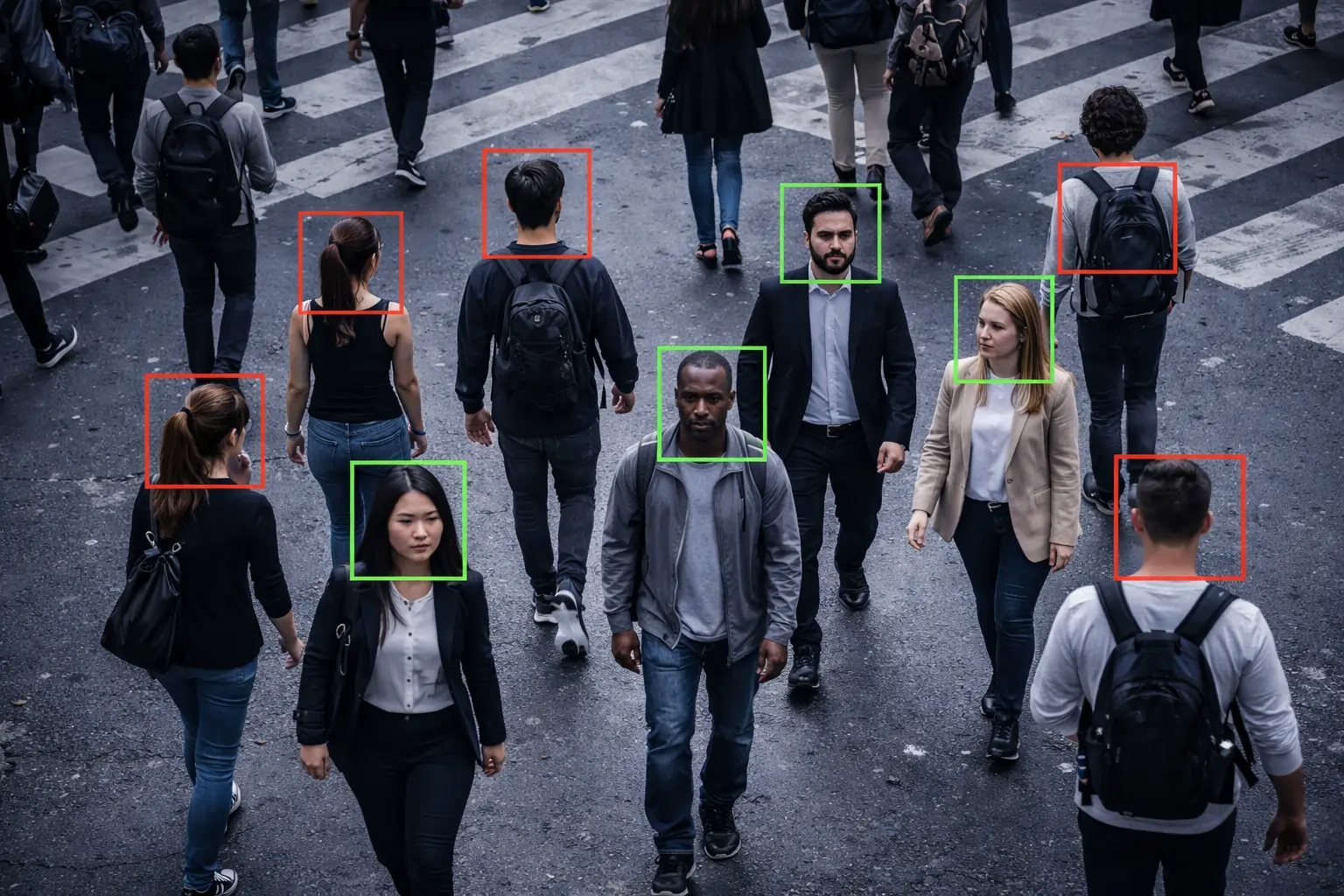
Face OFF — Large-Scale Surveillance Intelligence
Face OFF extends facial recognition beyond access points to large-scale surveillance environments.
It enables organizations to monitor multiple cameras, identify persons of interest, receive watchlist alerts, and support crowd monitoring across large or complex sites.
Face OFF is designed for environments such as airports, transportation hubs, event venues, campuses, smart-city deployments, and high-security facilities.
Key Capabilities
- Watchlist-Based Alerting
- n:n Face Matching
- Real-Time Person-of-Interest Detection
- Multi-Camera Face Recognition
- Multi-Camera Tracking
- Crowd Density Monitoring
- Configurable Detection Controls
- Centralized Monitoring Dashboard
Watchlist Management
Watchlist Configuration
- Blacklist and restricted-person lists
- VIP and priority watchlists
- Custom watch categories
- Bulk image enrollment
- Watchlist expiration controls
- Real-time watchlist alerts
Detection Controls
Detection Configuration
- Recognition confidence thresholds
- Camera-specific tuning
- Real-time alert filtering
- Duplicate alert suppression
- Detection-specific configuration
- Alert escalation workflows
These controls help teams manage recognition performance and reduce unnecessary alerts across large-scale deployments.
Deployment Modes
Edge-Based Recognition
Facial recognition processing can run locally at the deployment location, supporting low-latency processing and reducing dependency on cloud connectivity.
Near-Edge Processing
With Obzerve Near Edge (ONE), facial recognition workloads can be processed closer to the cameras while providing centralized monitoring and management.
Hybrid Server Architecture
For larger environments, Face Flow can support server-based processing and centralized management across connected camera environments.
Deployment architecture can be selected based on site requirements, camera infrastructure, processing needs, and data-handling policies.

Security Without Compromising Privacy
Privacy Features
- Edge Processing
- Configurable Data Retention Policies
- Encrypted Face Templates
- Role-Based Data Access Control
- Audit Trails & Compliance Logs
- Opt-In / Consent-Based Deployment Models
With edge deployment, facial recognition processing and data storage can remain within the organization’s environment, depending on the selected architecture and configuration.
Face Flow is designed to support organizations working within data protection frameworks such as GDPR and CCPA. Whether a deployment meets a specific regulation depends on its configuration, policies, and applicable requirements.
Performance & Requirements
Recognition Performance
- 95%+ recognition performance under suitable conditions
- Sub-second authentication for access control use cases
- Simultaneous face detection per frame
- Support for low-light environments with suitable IR cameras
- 24/7 operation
- Edge and near-edge inference options
System Requirements for Near-Edge Deployment
- IP camera capable of capturing clear facial images
- Obzerve ONE Box for near-edge deployment
- 1080p camera resolution recommended
- Stable and suitable lighting
- Network connectivity for dashboards, alerts, and system communication
Camera Positioning Guidelines
- Approximately 5–7 feet
- Frontal or slight tilt below 15°
- Approximately 3–8 feet for access points
- Consistent and uniform lighting
- Minimize masks, objects, and other face obstructions
Full Control, Intelligent Simplicity
- Single-user live camera enrollment
- Bulk image upload
- Department and role tagging
- Access privilege assignment
- Temporary user configuration
- User and watchlist management
- Real-time recognition feed
- Watchlist alerts
- Attendance dashboard
- Access activity monitoring
- Incident logs
- Historical search by name, date, or camera
- Daily attendance reports
- Peak entry analysis
- Crowd density trends
- Watchlist alert reports
- Historical event search
- PDF, CSV, and Excel reporting
- API integration
Real-World Identity & Surveillance Applications
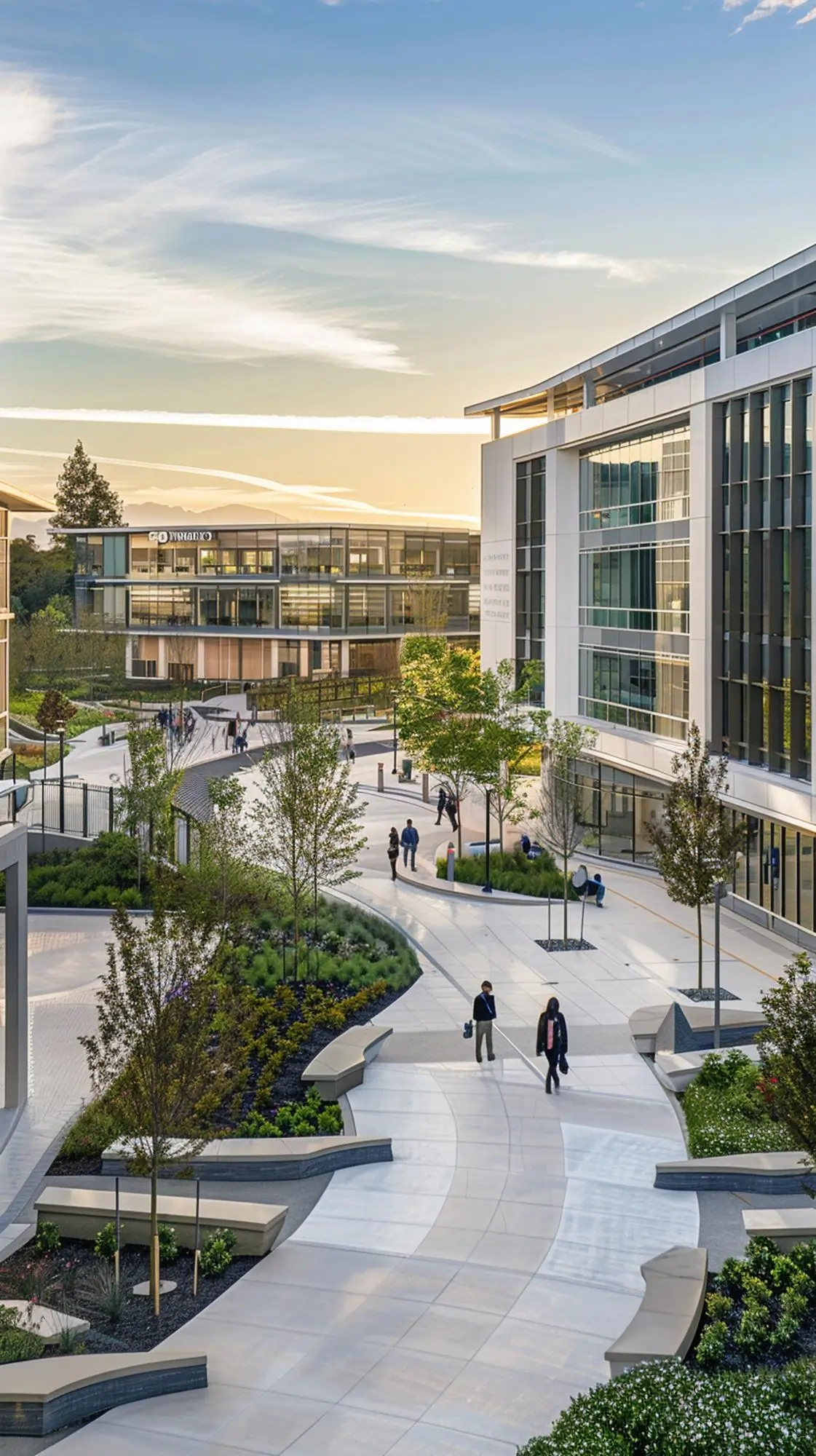
Corporate Campus Access Control
Replace access cards for 3,000 employees

Airport Surveillance System
Monitor high passenger volume & identify watchlist individuals
Optimize Your Recognition Performance
Get more consistent facial recognition results by following deployment best practices.
- Use frontal face capture wherever possible.
- Maintain consistent and adequate lighting.
- Avoid extreme face angles during enrollment and recognition.
- Use dedicated cameras for controlled access points.
- Minimize facial occlusion and obstructions.
- Position cameras at suitable heights and distances.
- Regularly update enrolled users and watchlists.
- Configure recognition thresholds according to the deployment environment.
Frequently Asked Questions
Browse through our FAQs for clear, concise answers to your most pressing questions.
What is Obzerve Face Flow?
How accurate is Face Flow?
Is facial data stored in the cloud?
Can Face Flow integrate with existing access control systems?
Can Face Flow handle large crowds and multiple cameras?
Yes. Face OFF supports multi-camera facial recognition, n:n face matching, person-of-interest detection, watchlist alerting, and crowd monitoring for large surveillance environments.
Ready to Upgrade Your Identity Intelligence?
