

AI-Powered Intelligent Security Surveillance
Proactive AI Security Intelligence
Obzerve Secure transforms traditional surveillance into proactive protection.
From perimeter intrusion detection to intelligent loitering analysis and automated restricted area enforcement, Secure detects threats in real time and alerts your team before incidents escalate.
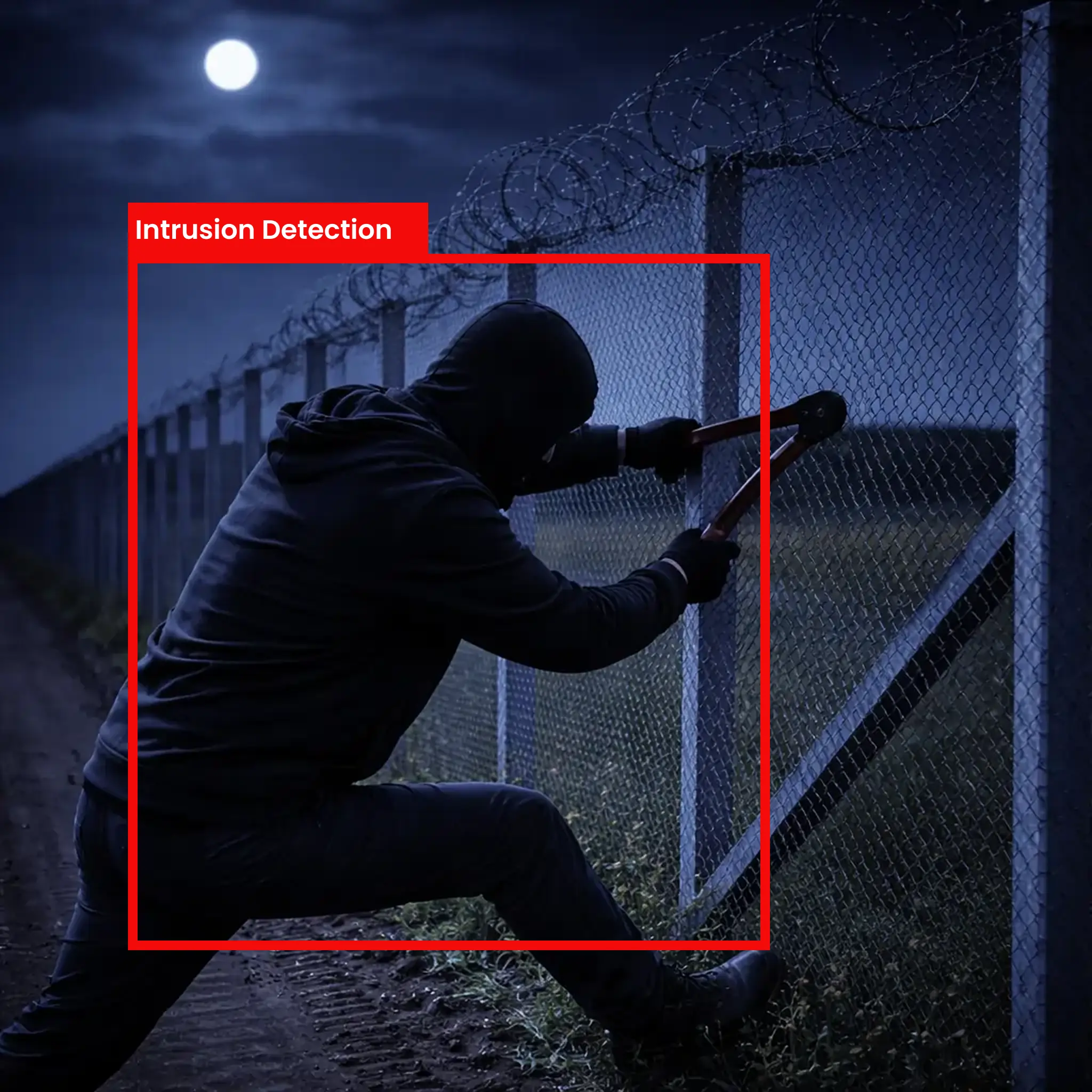
Intrusion Detection
Configuration Options:
Sensitivity Adjustment: Fine-tune detection threshold based on your environment
PPE Type Selection: Choose which equipment to monitor independently
Visualization Modes: Display presence, absence, or both on video overlay
Detection Zones: Set regions of interest for focused monitoring
Alert Thresholds: Configure confidence levels before triggering notifications
Time-Based Rules: Different requirements for shifts or operational hours
Key Capabilities
Real-Time Perimeter Breach Detection
Virtual Fence Creation (No Physical Sensors Required)
Multi-Zone Monitoring Per Camera
Object Classification
Direction-Based Intrusion Detection (Inward vs Outward crossing)
Configuration Options
Detection Zones: Draw virtual perimeters or fences
Entry/Exit Rules: Trigger alerts based on direction
Sensitivity Threshold: Adjust for environment conditions
Object Filtering: Human-only, Vehicle-only or Both
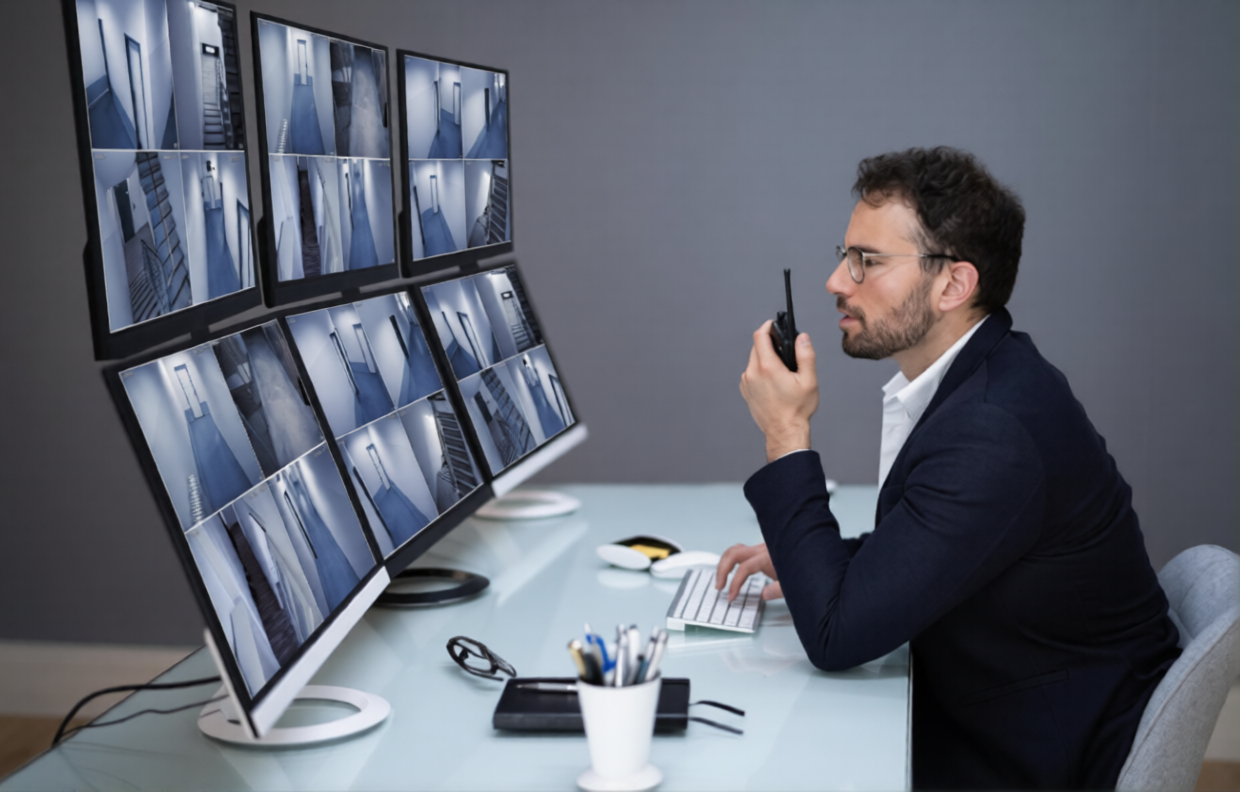
Loitering Monitoring
Identifies suspicious lingering behavior in sensitive areas. Tracks how long a person or vehicle remains inside a defined zone and triggers alerts when thresholds are exceeded.
Key Capabilities:
Flame Detection: Identifies active fire in various lighting conditions
Smoke Recognition: Detects smoke clouds and ambient smoke particles
Reflected Light Analysis: Spots fire through reflected glow on surfaces
Multi-Zone Monitoring: Different sensitivity for different risk areas
Key Capabilities
Dwell Time Tracking
Configurable Loitering Duration Threshold
Zone-Specific Monitoring
Real-Time Visual Timer Overlay
Crowd Density Alerts
Configuration Options
Loitering Time Limit
Marking of specific zones
Person vs Vehicle Monitoring
Escalation Rules
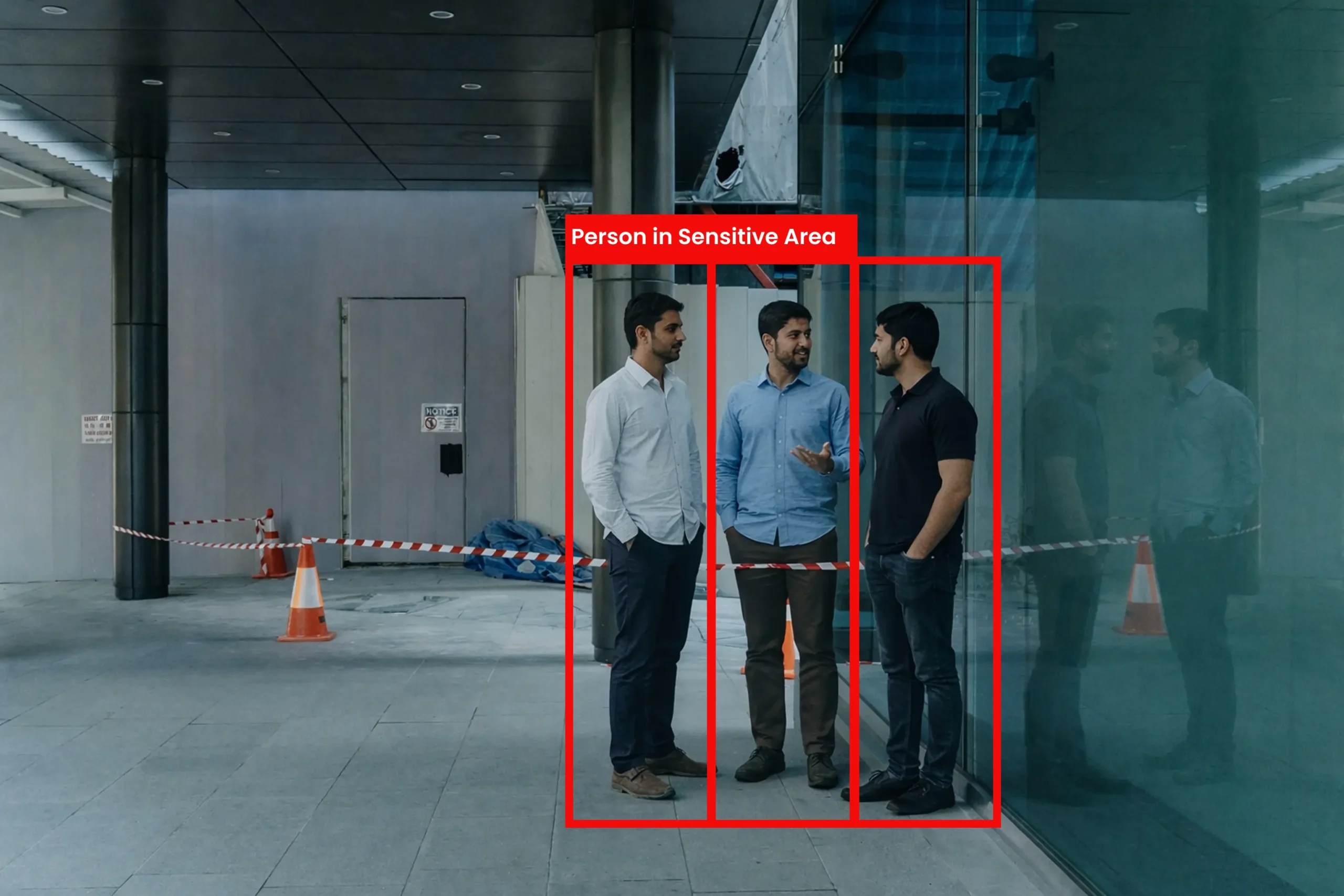
Restricted Area Protection
Key Capabilities:
Real-Time Detection: Immediate identification of fall events
Pattern Recognition: Differentiates falls from intentional movements
Incident Documentation: Automatic recording of fall events
Location Tracking: Pinpoints exact camera and zone of incident
Response Coordination: Routes alerts to appropriate personnel
Key Capabilities
Virtual Restricted Zone Creation
Access Control Integration
Person Counting in Sensitive Areas
Occupancy Limit Monitoring
Unauthorized Entry Alerts
Configuration Options
Occupancy Thresholds
Authorized Personnel Filtering
Multi-Zone Mapping
Performance & Requirements
Detection Performance
- Detection Accuracy: 95%+ in controlled environments
- False Alarm Reduction: Up to 70% vs motion-only systems
- Recognition Speed: Real-time at camera frame rate
- Multi-Object Tracking: Simultaneous tracking of multiple subjects
- 24/7 Continuous Monitoring
System Requirements For Near Edge Deployment
- Any IP camera with RTSP stream
- ONE (Obzerve Near Edge) Box included
- Minimum resolution: 1080p recommended
- Network connectivity for alert transmission
- Power supply for Edge Box
Intelligent Security, Simplified Control
Virtual Fence Setup
Draw intrusion detection lines
Multi-boundary support
Direction-based triggers
Inclusion / exclusion zones
Dwell & Loitering Rules
Time thresholds
Alert escalation logic
Multi-subject tolerance settings
Dashboard Metrics
Intrusion Events Per Day
Loitering Incidents
Zone Activity Heatmaps
Peak Incident Hours
False Alarm Trends
Report Generation
Scheduled Reports
Custom Date Ranges
PDF / CSV Export
Real-World Security Applications
See how organizations transform operations with Obzerve Traffiq
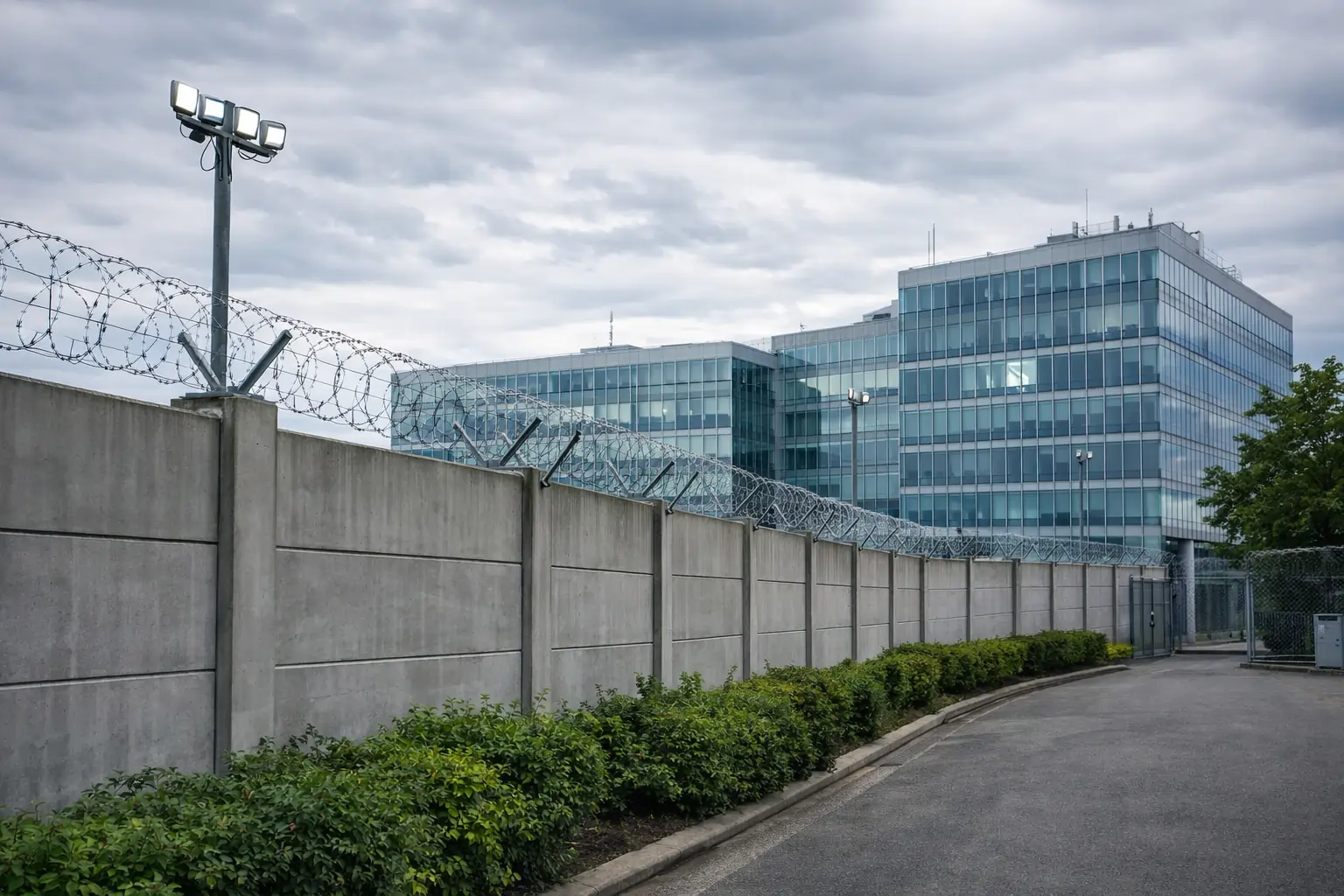
Industrial Perimeter Protection
Secure 2km manufacturing boundary after-hours
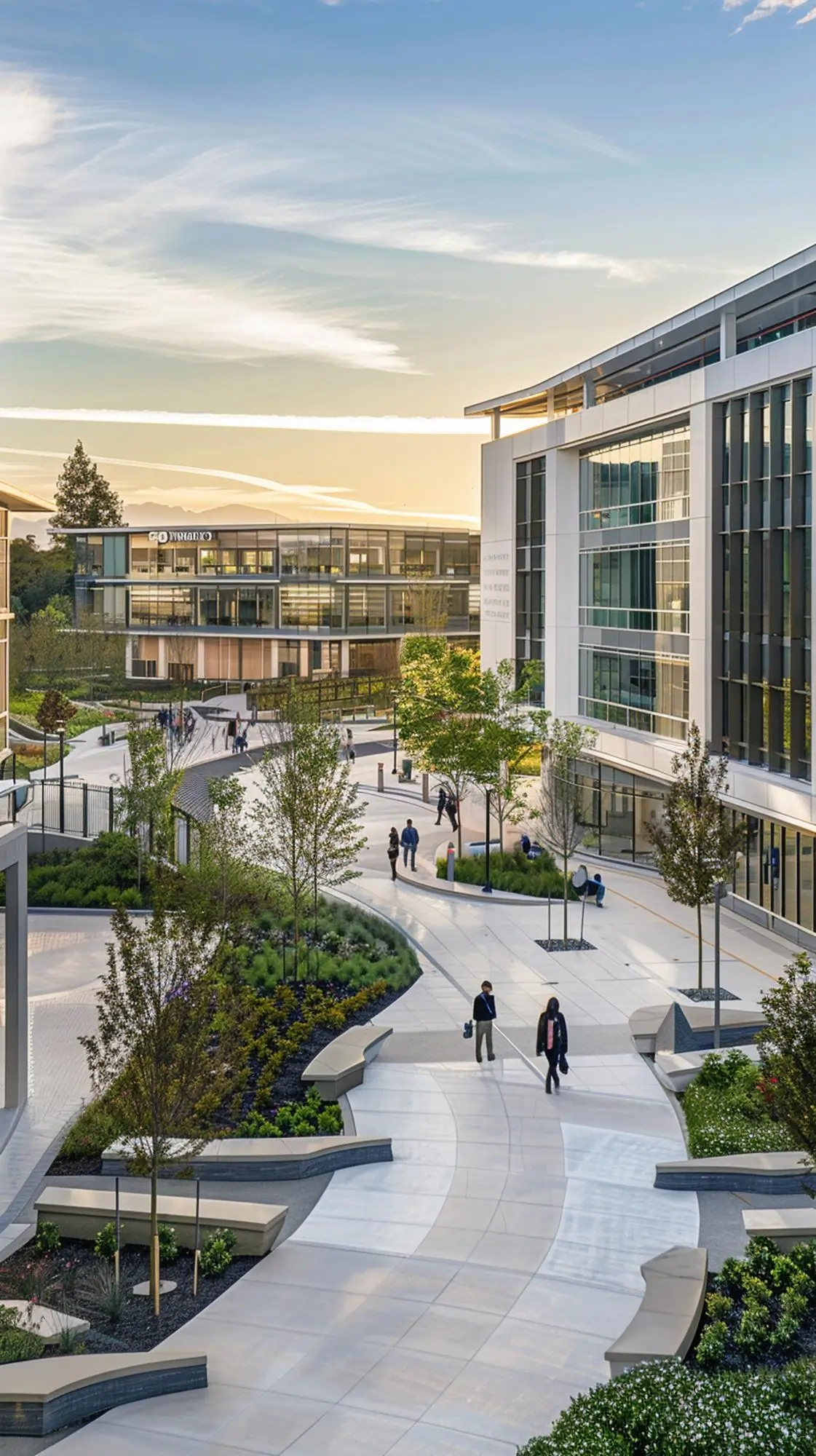
Corporate Campus Security
Monitor multiple buildings with open public access areas
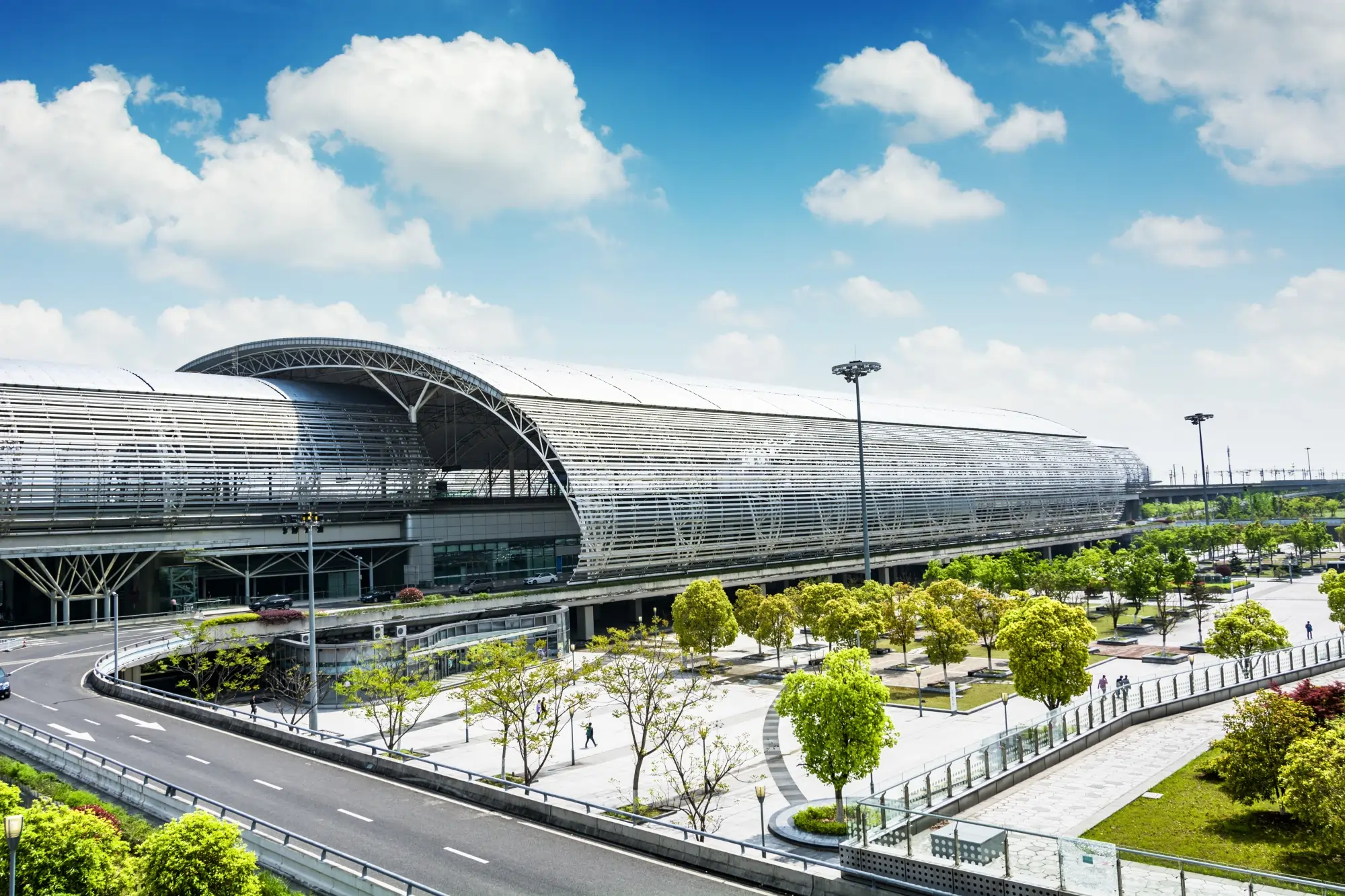
Critical Infrastructure Protection
Protect power substation from unauthorized entry
Optimize Your Detection Performance
Intrusion Detection Best Practices
Mount 10-15 ft high for wide field coverage
Angle camera 15–45° to boundary
Avoid extreme backlighting
Ensure consistent illumination (IR recommended at night)
Avoid foliage movement in detection zones
Loitering Monitoring Best Practices
Overhead or semi-overhead placement
Clear visibility of full body
Avoid crowded overlapping zones
Recommended resolution: 1080p minimum
Restricted Area Monitoring
Clear top-down or frontal coverage
Avoid occlusion by pillars/furniture
Mark zone boundaries clearly in dashboard
- Ask us
Common Questions
Browse through our FAQs for clear, concise answers to your most pressing questions.
Does Secure work with my existing cameras?
How is this different from motion detection?
Can it work without internet?
How many cameras can one Edge Box handle?
Can Secure integrate with my VMS?
Does it work at night?
Ready to upgrade Your Mobility Intelligence
Experience the power of real-time AI video intelligence with Obzerve.